Version 2.0 keeps the motor, the vehicle and the flight in one project, so the flight uses the motor you solved. This walkthrough uses the solid rocket example in trial mode.
The vehicle at 5.10 s, coasting: the propellant is gone, the centre of gravity has moved forward and the margin is 3.47 calibers.
Steps
Solve the motor. Open File → Open Example → Solid rocket and press Solve. Review shows thrust and chamber pressure through the burn; the motor is a J367 with a 1.941 s burn.
See the vehicle around the motor. On the Flight tab, Vehicle and launch draws the rocket to scale with the motor inside it, the centre of gravity and the centre of pressure. Move the slider under the drawing through the flight: as the propellant burns, the centre of gravity moves forward from 30.68 to 27.42 in and the margin grows from 2.13 to 3.47 calibers.
Check which motor the flight uses. Under Launch and recovery, Motor reads This project's motor. The flight uses the solved burn; Import .eng or .rse flies a motor file instead.
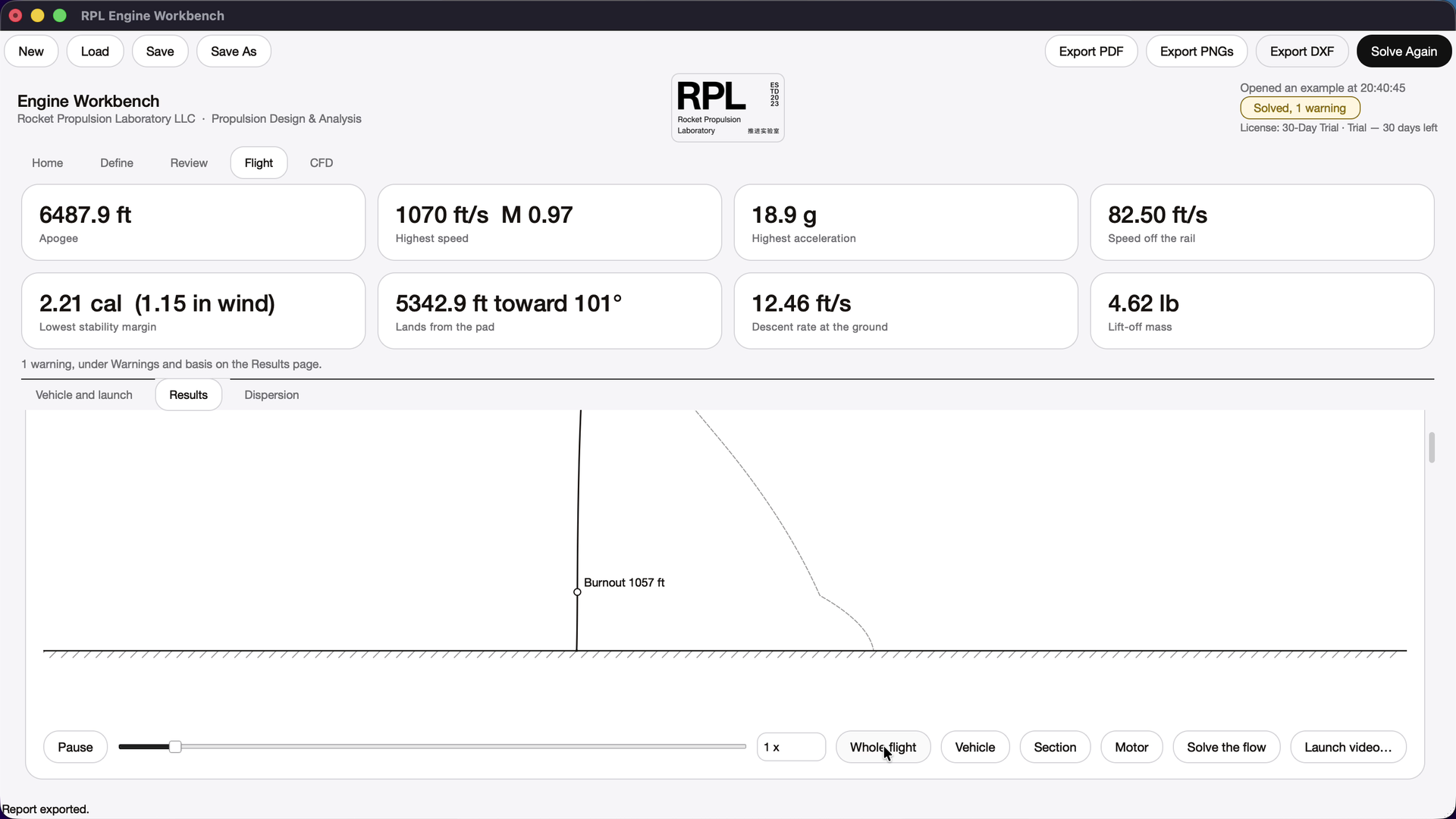
Watch the launch replay. On Results, the launch replay draws the flight to scale. Vehicle follows the rocket off the rail; Whole flight shows burnout, apogee and the landing point.
The launch replay following the vehicle.
Before you rely on a number
Every value here is preliminary design output from the example’s inputs. Read the warnings and the basis with each result, and check anything you build against test data and an independent review. Methods and assumptions lists the models.