Steps
- Choose Edit > Preferences..., or press Ctrl+,.
- In the Preferences dialog, locate the Appearance selector.
- Choose System / Auto, Light, or Dark.
- Optionally adjust Reopen the latest project when the app launches and Open the Results tab automatically after solve.
- Click OK. The app applies the selected theme and saves the setting.
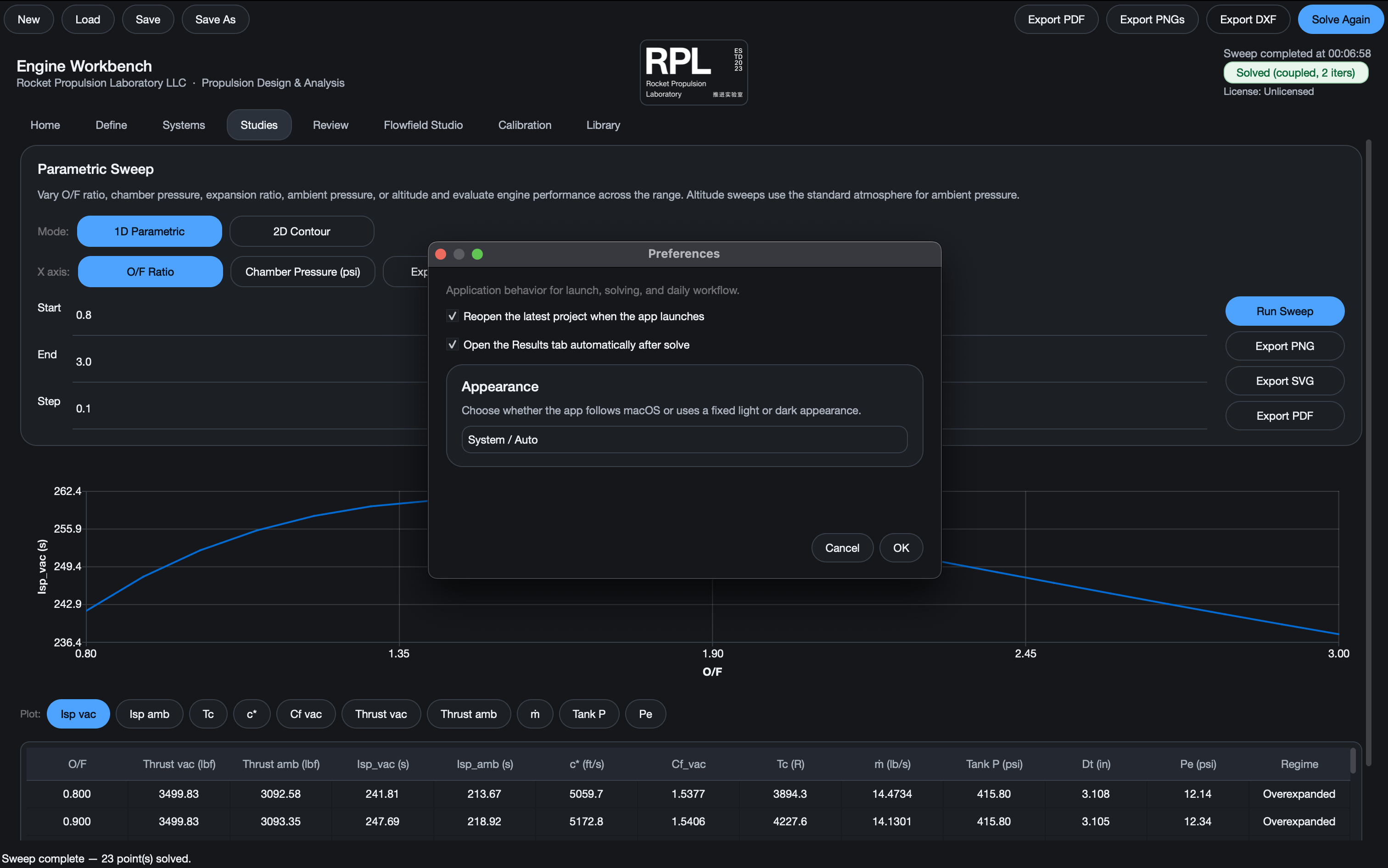 Preferences appearance selector.
Expected result
The app updates its palette and style. System / Auto follows the macOS color scheme; Light and Dark force the selected appearance.
Common notes
- Appearance is stored in app settings and persists across launches.
- Use Presentation inside Flowfield Studio when you need a cleaner capture layout; it is separate from global appearance.